Schneider PLC

  1. Home
  2. Products
  3. Schneider PLC
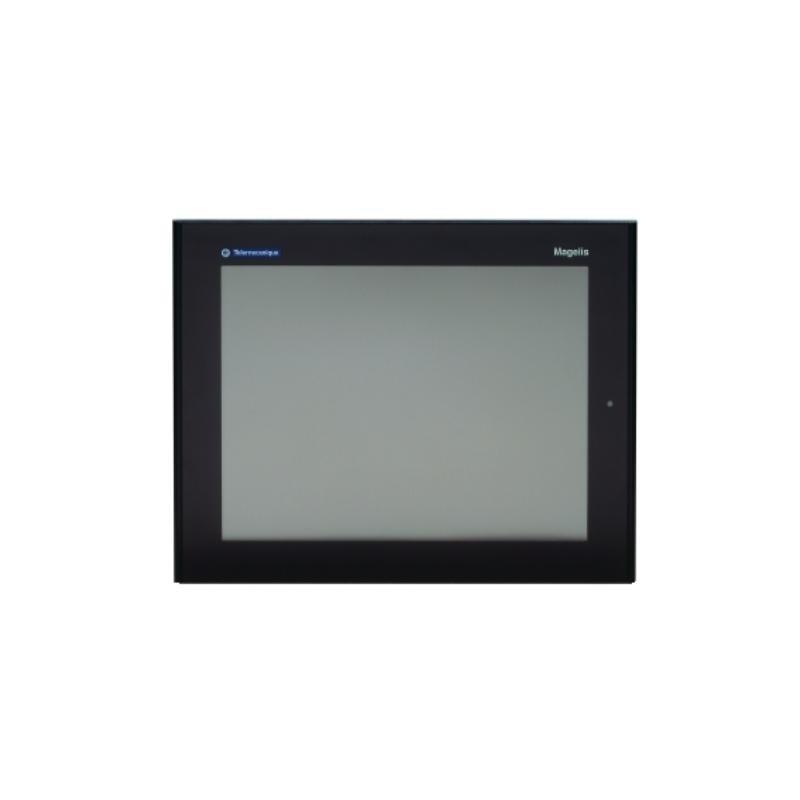
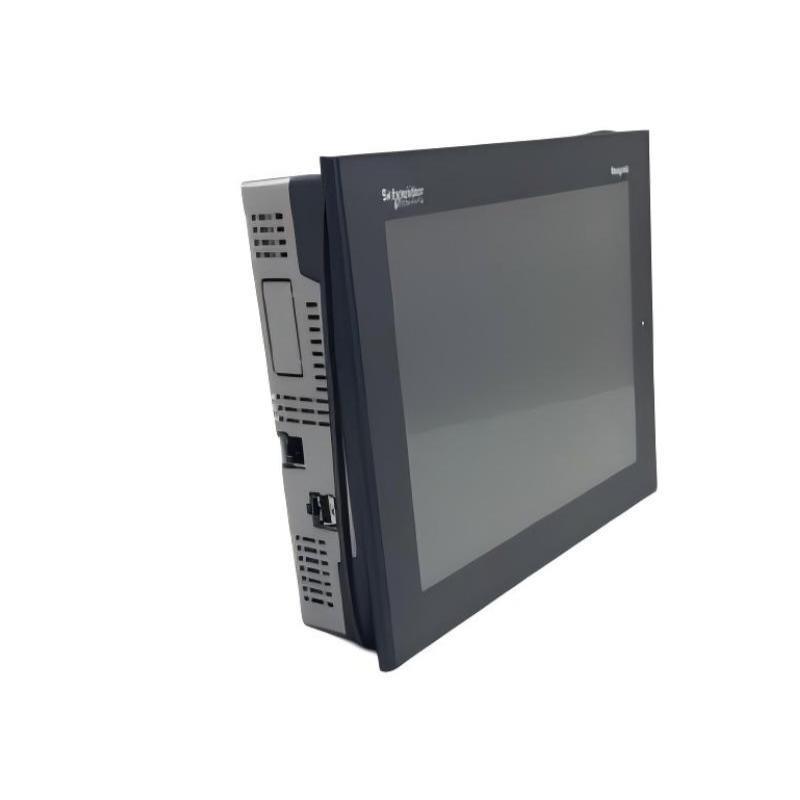
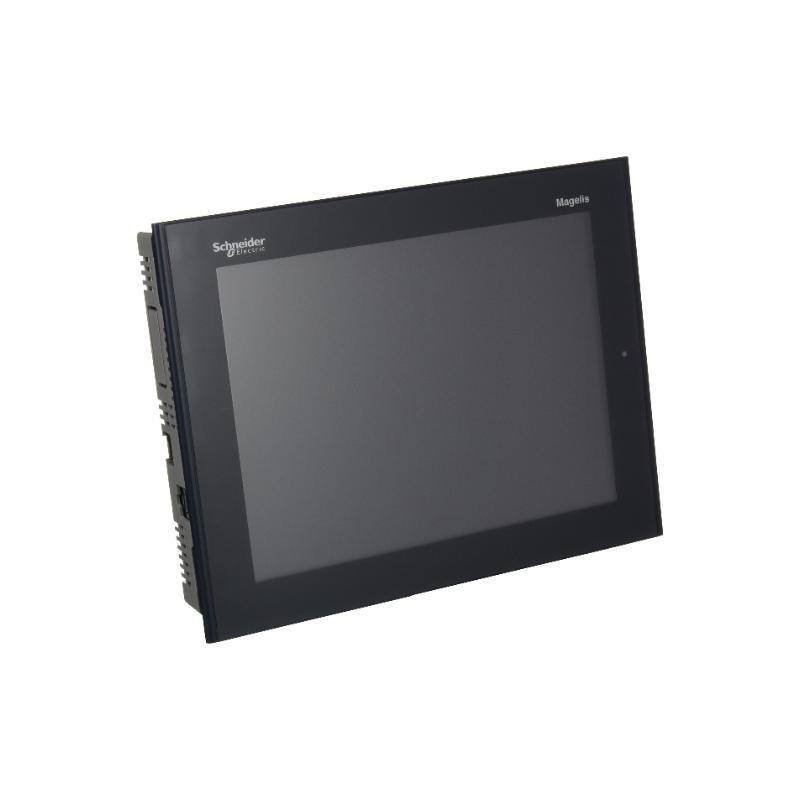
  4. Schneider XBTGT5340 10.4-inch Advanced Touch Panel Original

Schneider XBTGT5340 10.4-inch Advanced Touch Panel Original

0.0
Points

  • 100% Original and Authentic.
  • 100% Brand New, Ready to ship.
  • Support Refund, 7X24h Service.
  • 1-Year Warranty on All Products.
Today's Discount: 90% 00 : 00 : 00
Low stock: 58 left
39%

Product Details

Schneider aims to bring Sustainability and Efficiency for all. Modicon Quantum system is the advanced PLC system.

Product Introduction

Schneider XBTGT5340 10.4-inch Advanced Touch Panel Original

Brand:Schneider

Item No.:XBTGT5340

Product Type:10.4-inch Advanced Touch Panel

Product Origin:France

Dimensions:270.5 x 212.5 x 57mm

Weight:2.5kg

Payment:T/T, Western Union, Credit Card

Shipping Port:Xiamen, China

Lead Time:1-3 Days

Condition:Brand New And Original

Warranty:1 Year

Original overseas introduction, test assistance instructions support, stable and reliable service

Product inventory is continuously updated, and order needs are quickly responded to. Welcome to call for consultation!

Company Information

E-mail: [email protected]

Mobile:+8613043043316

Whatsapp:+8613043043316

Add: Alishan Building, 2 Lvling Rd, Siming District, Xiamen, Fujian, China, 361006

Our services

We are specialized in providing industrial automation parts with a one-year warranty. Our industrial automation parts are sold all over the world

We can provide equipment and spare parts from different countries and manufacturers, solve your worries or quality problems in many places, and have a great price advantage.

Welcome to call for more product details.

The price range of this product is flexible, the delivery is fast, and large quantities support project negotiation.
Product FAQs

We've listed some product-related issues below. If you need further information or technical support, please contact us via email or by submitting a form. We'll get back to you as soon as possible!

FAQ

What industries is the Schneider XBTGT5340 used in?

The XBTGT5340 is a versatile touch panel used in automation control systems, building management, manufacturing, energy industry, power control, and LCD display devices. It is particularly suited for industries that require reliable and long-term operation under demanding environmental conditions.

Does XBTGT5340 support multiple languages?

Yes, the XBTGT5340 supports multiple languages including English, Chinese, German, French, Spanish, and more. Users can select the language based on their region, and the interface can be customized accordingly.

How precise is the touch screen of the XBTGT5340?

The XBTGT5340 uses high-precision resistive touch technology with a response time of less than 25ms. This ensures fast and accurate touch responses in industrial applications, making it suitable for complex environments.

How do I connect the XBTGT5340 to my devices?

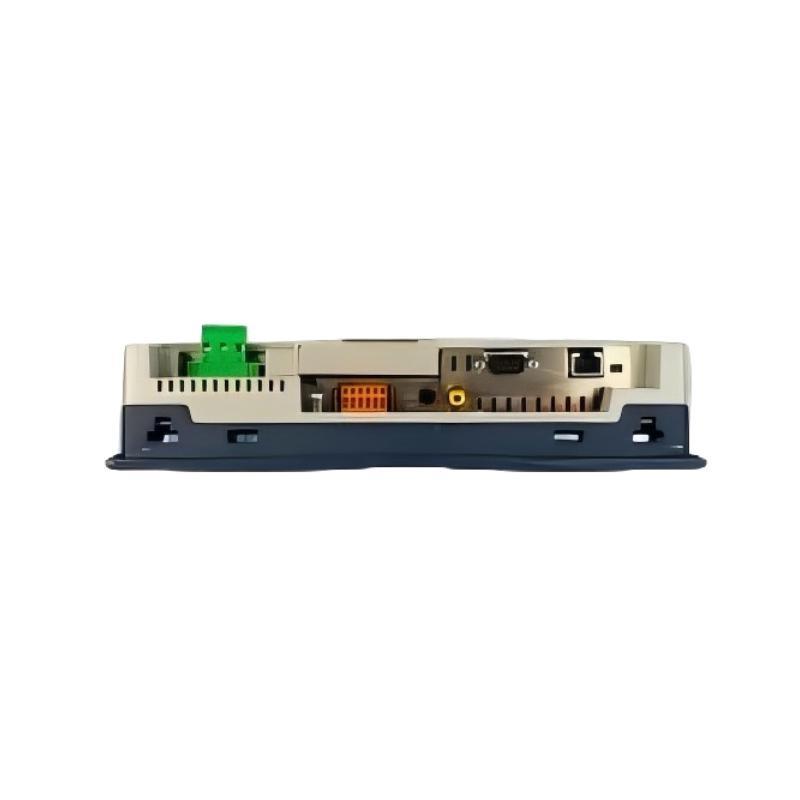
The XBTGT5340 is equipped with multiple interfaces, including USB, RS232 serial port, and Ethernet, allowing it to connect to PLCs, sensors, machine control systems, and more, meeting diverse system requirements.

Can I adjust the screen brightness of the XBTGT5340?

Yes, the XBTGT5340 provides a brightness adjustment feature. Users can adjust the screen brightness based on the ambient lighting conditions. The screen’s maximum brightness is 300 cd/m², ensuring clear display under various lighting conditions.

Can the XBTGT5340 be used outdoors?

While the front panel of the device is rated with IP65 protection against dust and water splashes, it is designed for indoor use. It is not recommended to expose the panel to direct sunlight or use it in extreme temperatures or high humidity environments.

What operating system does the XBTGT5340 run on?

The XBTGT5340 operates on a Linux-based system, offering high stability and customizability. This makes it ideal for real-time industrial control systems that require long-term and reliable performance.

How can I update the firmware?

Firmware updates can be done via a USB drive. Simply copy the update files to the USB drive and use the USB interface on the device to perform the update. Regular firmware updates ensure that the device runs with the latest security patches and functionality improvements.


Product Review

Dear customer, we welcome and appreciate your feedback. Your positive review is very important to us, thank you!

Leave a Review

Tags:
Need Assistance? Chat with Us on WhatsApp!
Need Assistance? Click to Inquire
Back to top